


The FedEx Trip Buddy app is a name used by drivers for a trip-management system associated with FedEx Ground linehaul operations. Its officially documented name is Mobile Trip App (MTA), a browser-based tool that helps authorized transportation personnel manage trip assignments, trailer information, equipment inspections, dispatch, and arrival procedures.
Unlike the customer-facing FedEx Mobile app, Trip Buddy is designed for transportation operations rather than tracking personal packages. FedEx’s official Mobile Trip App portal remained accessible as of October 15, 2026, although its latest internal features and access requirements are not fully documented publicly.
Key takeaways
- Official name: FedEx identifies the operational system as Mobile Trip App (MTA), while drivers have used the name Trip Buddy in online discussions.
- Main purpose: The application supports FedEx linehaul activities, including check-in, trailer verification, pre-trip inspections, dispatch, and arrival.
- Download availability: FedEx’s 2021 documentation describes MTA as a mobile-friendly website, not a conventional App Store or Google Play download.
- Login requirements: Historical instructions used FedEx credentials and Purple ID authentication. Current access should follow authorized company guidance.
- Current status: FedEx continued to display an MTA login portal and an operational update notice in October 2026.
What Is the FedEx Trip Buddy App?
FedEx Trip Buddy refers to software used in FedEx’s linehaul transportation workflow. Linehaul operations involve moving freight between major facilities, such as hubs and stations, rather than delivering individual packages directly to homes.
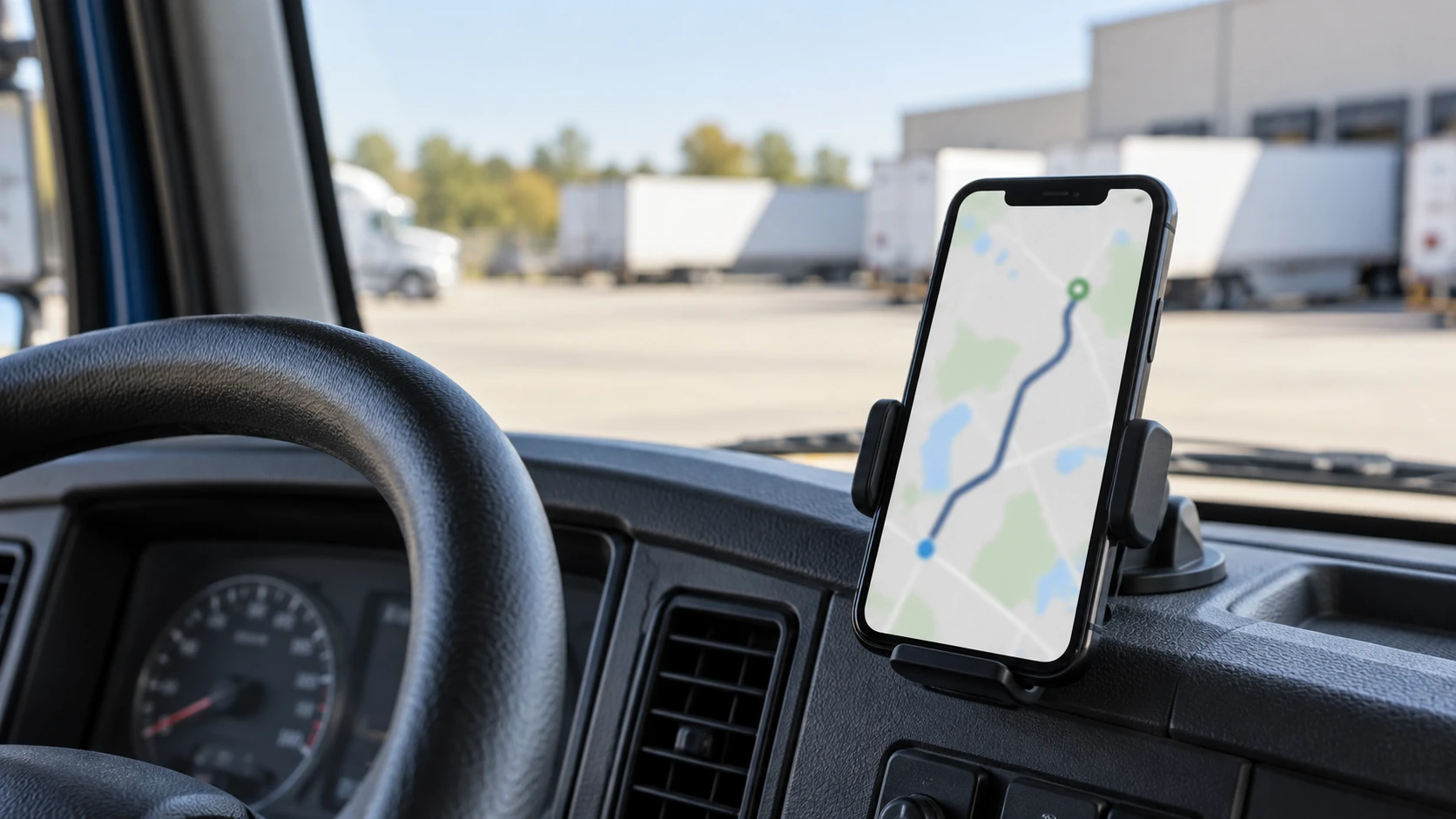
FedEx’s Mobile Trip App helps drivers and dispatch personnel handle the information and verification steps associated with these journeys.
According to the FedEx-branded Mobile Trip App User Guide from November 2021, the application was developed to support contactless dispatch and arrival procedures.
Instead of requiring every stage of the process to take place inside a linehaul office, authorized drivers could complete several tasks through their mobile devices.
These included accessing assigned trip information, checking equipment details, completing inspections, and communicating the information required for dispatch.
The name Trip Buddy appears in driver discussions, including a 2023 Reddit conversation and later TruckersReport posts describing FedEx Ground linehaul work.
However, FedEx’s official documentation identifies the application as Mobile Trip App. There is no established record of a separate official product launch or formal renaming from Trip Buddy to MTA.
How Does FedEx Trip Buddy Work?
The application’s main function is to connect different parts of a linehaul journey within a digital workflow.
FedEx’s June and November 2021 user guides describe how drivers could use MTA from the beginning of an assigned trip through dispatch and arrival.
Checking in and reviewing trip assignments
The process begins when an authorized driver checks in through the application.
Historical MTA documentation describes a system that displays assigned trip information, including details about the equipment needed for the journey.
Drivers can review relevant assignment information before proceeding with equipment checks.
This gives the driver a defined starting point for the dispatch process and connects the assignment to the appropriate trailer and destination information.
Locating trailers and checking equipment
One of MTA’s documented features is the ability to provide information about assigned trailer locations within a facility yard.
The June 2021 Mobile Trip App User Guide describes GPS-based trailer-location information intended to help drivers identify equipment at FedEx facilities.
The system also supports verification of trailer seals and dolly numbers when applicable.
A dolly is equipment used to connect trailers in certain multi-trailer configurations. Checking the correct dolly and seal information helps ensure that the equipment matches the assigned trip.
These functions concern the driver’s operational equipment. They should not be confused with the consumer package-tracking features available through FedEx Mobile.
Completing inspections and preparing for dispatch
After reviewing equipment information, the historical MTA workflow includes a pre-trip inspection process.
The application guides describe inspection-related controls that allow drivers to complete documented checks as part of their dispatch preparation.
Drivers can also review information such as destinations, trip mileage, routing directions, and approved toll details.
FedEx Ground linehaul personnel then review the relevant trip information before the driver receives clearance to depart.
This is one of the application’s most useful distinctions: it brings assignment details, equipment verification, and dispatch preparation into a connected process.
The documentation does not establish that Trip Buddy automatically calculates the fastest route using live traffic or manages residential delivery stops.
Recording arrival and continuing to another trip
The November 2021 guide also documents arrival-related functionality.
After completing a journey, drivers can use the application as part of the arrival and subsequent check-in process.
This connects the end of one assignment with the operational steps needed for another.
The exact layout and sequence of these screens may have changed since the published 2021 guides.
Who Can Use FedEx Trip Buddy?
Mobile Trip App was primarily documented for FedEx Ground linehaul staff and contracted transportation service providers.
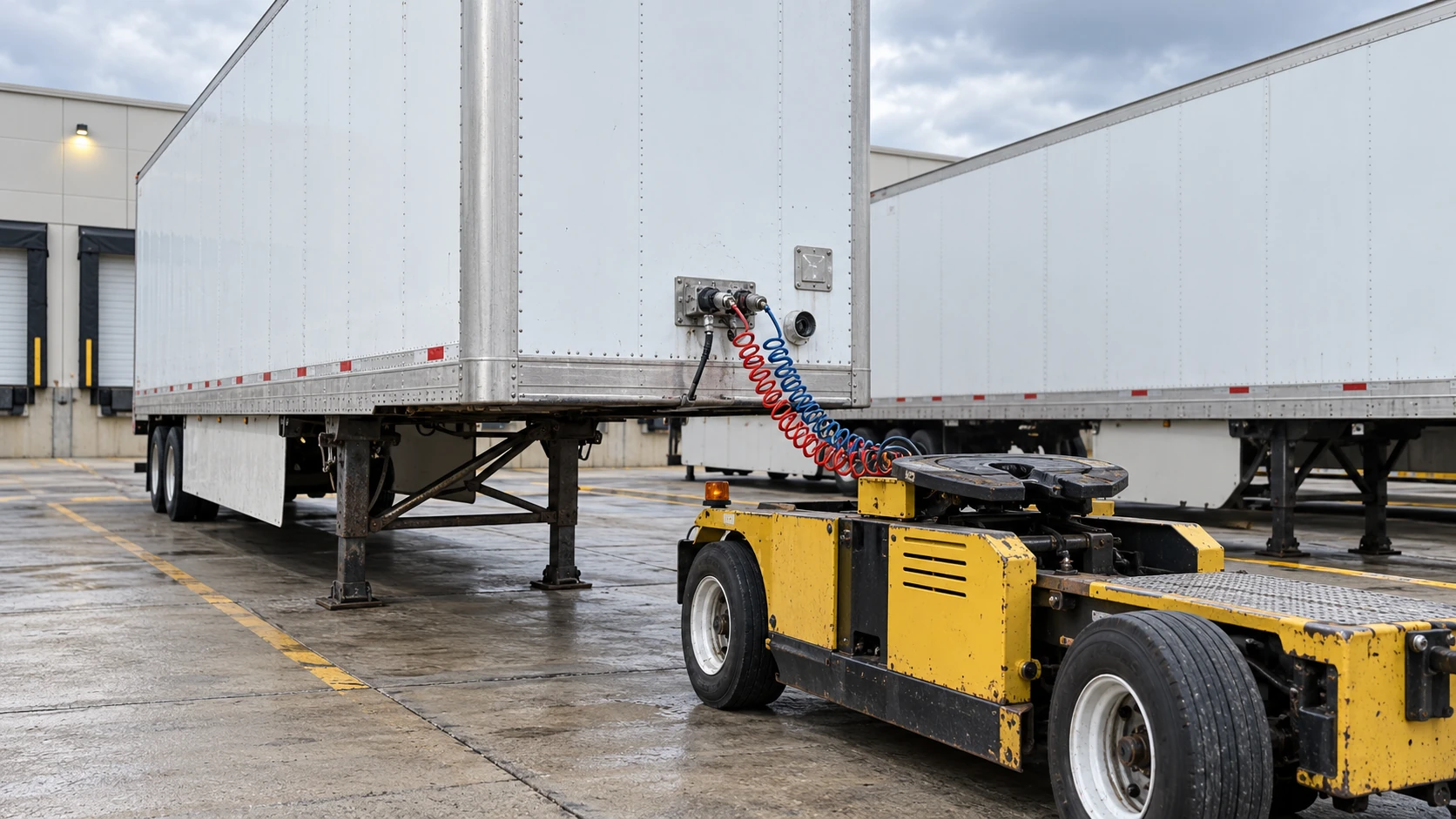
An October 19, 2021, notice from Entz Trucking described MTA as a web-based application integrated with FedEx Ground systems.
The notice identified FedEx Ground linehaul personnel and contracted linehaul service providers as the intended users. It also stated that Purchased Transportation carriers were excluded under the access arrangement described at that time.
However, eligibility was not necessarily fixed permanently.
A later Entz Trucking notice published on March 23, 2022 reported that MTA was being piloted with selected FedEx Freight users in the Houston, Texas, market.
That announcement also described proposed changes to user categories and a feature allowing users to request assistance with specific trip-related problems.
The Houston pilot does not establish that every FedEx Freight driver subsequently received access.
For current eligibility, drivers and contractors should follow the instructions supplied by their authorized FedEx transportation contacts or employers.
How to Access or Download the FedEx Trip Buddy App
One of the most common sources of confusion is whether Trip Buddy needs to be downloaded from an app store.

FedEx’s historical MTA documentation describes the system as a mobile-friendly website rather than a conventional downloadable application.
The documented access point is:
FedEx Mobile Trip App official portal
The portal identifies the application as Mobile Trip App and provides an entry point for authorized users.
Accessing Trip Buddy on iPhone or Android
The original application guides describe browser-based access using a mobile device.
Rather than installing a public Trip Buddy application, authorized users historically accessed the system through the FedEx-hosted website or by scanning QR codes displayed at participating facilities.
The documented process involved opening the application, signing in with authorized credentials, and following the appropriate check-in or trip workflow.
Because the application is browser-based, its historical design was intended to support access from mobile devices without a traditional app-store installation.
However, the exact supported browsers, device requirements, and current login screens may have changed.
FedEx Trip Buddy login and Purple ID
Historical FedEx transportation instructions identify Purple ID credentials as part of the Mobile Trip App authentication process.
The 2021 guidance also describes the use of FedEx identification details and password-management procedures associated with MyGroundBizAccount.
These instructions explain how authorized transportation personnel accessed MTA during that period.
They should not be treated as a complete guide to the 2026 authentication system.
Drivers who cannot sign in should use their employer’s current onboarding or password-recovery instructions rather than entering FedEx credentials on unofficial websites.
Is FedEx Trip Buddy Still Available in 2026?
Yes. As of October 15, 2026, FedEx’s official Mobile Trip App landing page remained accessible and displayed an operational update notice.
The FedEx MTA portal included information about a resolved bobtail-dispatch issue and instructed users to clear their browser cache.
A bobtail operation generally involves a tractor travelling without an attached trailer.
The notice indicates that FedEx continued to provide information about the application’s operational functions.
However, the notice did not display a publication date, so October 15, 2026, should be understood as the date the information was observed rather than the date of the software fix.
The public landing page also does not establish the system’s complete current feature set, active-user numbers, or availability at every FedEx facility.
Did FedEx replace Trip Buddy?
There is an important distinction between the application’s official history and its informal name.
FedEx’s June 2021 MTA documentation identifies Mobile Trip App as the replacement for an earlier contactless-dispatch application called Vector.
The October 2021 Entz Trucking notice also states that Vector had been discontinued.
That establishes a documented transition from Vector to MTA.
It does not establish that an officially branded Trip Buddy application was subsequently renamed or discontinued.
The continued presence of FedEx’s MTA portal is therefore more useful than claims that Trip Buddy disappeared entirely.
What to Do if FedEx Trip Buddy Is Not Working
Drivers have occasionally described problems accessing the application.
In a February 2023 Reddit discussion, one user reported encountering a blank screen while attempting to use Trip Buddy through Purple ID.
Another commenter described resolving a similar problem after clearing browser cookies.
These are individual experiences, not evidence of a widespread outage or a guaranteed solution.
FedEx’s official MTA landing page has separately displayed guidance advising users to clear their browser cache following an application update.
For authorized users experiencing problems, reasonable initial steps include:
- Use the official FedEx portal. Confirm that the application is being opened through the correct company-provided address or facility QR code.
- Follow current browser guidance. If FedEx’s operational notice advises clearing the browser cache, follow that instruction.
- Check your authorized login details. Use the current authentication and password-recovery process supplied by your employer.
- Contact the appropriate linehaul support personnel. If the application remains inaccessible, follow your facility’s established dispatch and check-in procedures.
The October 2021 Entz Trucking guidance specifically instructed service-provider personnel experiencing technical difficulties to check in through the FedEx Ground linehaul office.
That was the documented fallback procedure at the time. Drivers should follow their facility’s current instructions if the digital process is unavailable.
Is FedEx Trip Buddy the Same as FedEx Mobile?
No. FedEx Mobile and the documented Mobile Trip App serve different purposes.
FedEx Mobile is the company’s customer-facing shipping application. It is available through the Apple App Store and Google Play.
According to FedEx’s official mobile application information, the consumer app supports shipment tracking, shipping activities, delivery notifications, and related services.
The Apple App Store listing also describes features such as delivery instructions, package tracking, shipping labels, and selected delivery-management options.
Those services are intended for customers managing shipments.
Mobile Trip App, by comparison, is documented as an operational system used by authorized transportation personnel.
Its historical functions include trailer assignments, equipment validation, inspection, dispatch, and arrival.
If you want to track a package arriving at your home, FedEx Mobile is the appropriate product.
If you are an authorized linehaul driver looking for trip assignments or dispatch information, the relevant system is Mobile Trip App.
The two applications should not be treated as interchangeable simply because both are associated with FedEx.
What Drivers Should Know About Trip Buddy
FedEx Trip Buddy is best understood through the actual transportation work it supports.
Its documented purpose is to help drivers handle linehaul trip information and complete the checks associated with moving freight between facilities.
The application guides show how assignment details, trailer locations, equipment verification, inspections, and dispatch fit into one operational process.
For drivers looking to access the system, the practical starting point is the official FedEx Mobile Trip App portal and their employer’s current authorization instructions.
The public portal remained available as of October 15, 2026. Drivers should rely on current FedEx operational guidance for the latest interface, eligibility requirements, and troubleshooting procedures rather than assuming that every instruction from the original 2021 manuals still applies.
